How to identify a song — from a video, a hum, or a 3-second clip
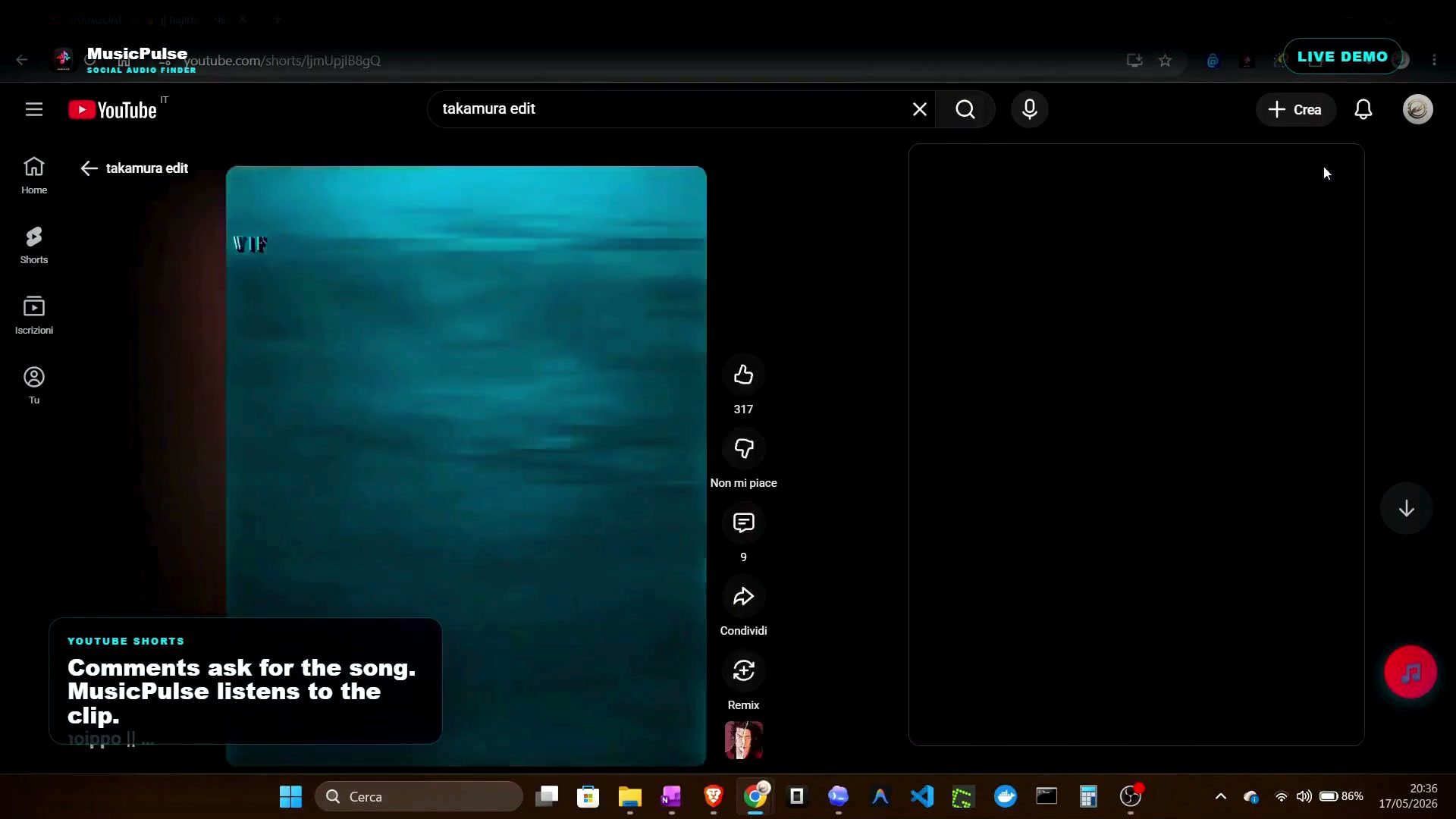
Need it fast? Watch the 46-second demo of MusicPulse identifying an edit in a real clip.
You heard three seconds of a track in a video and now it is stuck in your head. Identifying it sounds trivial, but the tools you pick depend on what you actually heard: clean audio, a fragment of lyrics, or a remix that does not exist in any official catalog. This guide walks through the options, in order of effort.
1. Hum, whistle, or type a lyric fragment
If you remember the melody or a few words, start free and fast:
- Google Search — the microphone button in the mobile app lets you hum, whistle, or sing a melody, and matches against its music corpus.
- Siri, Google Assistant, Alexa — asking "what song is this?" while the audio plays is a well-tested shortcut.
- Lyric search — type the fragment you remember between quote marks into any search engine. A distinctive line like "daylight I must wait for the sun" usually surfaces the track and its variants within the first results.
These paths work whenever enough of the original melody survives. They start failing the moment the audio is pitched up, chopped, or re-sung.
2. Play a clean capture into a recognizer
For audio you can replay, recognition apps work on fingerprints — spectral patterns matched against a large reference database:
- Shazam — the fastest path to the official catalog version. Point it at the audio for 10 seconds and it usually answers in seconds.
- Siri / Google Assistant inline recognition — similar accuracy, no extra app needed.
- SoundHound — same idea with a somewhat different database.
All of these return the canonical release. If the clip uses a remix, an edit, or a sped-up re-release, they often return nothing at all — or worse, the wrong version.
3. Use the video itself as the source
The most reliable input is the clip's own audio, because that is the version you need. On a phone you can hold the speaker next to a recognizer; in a browser you can recognize the tab directly. The challenge is edited audio: pitched-up tracks, vocal chops, and layered sound effects change the fingerprint enough that catalog-tuned matchers miss it.
Hybrid approaches handle this by combining the audio with clues around it — the exact technique behind MusicPulse, a Chrome extension that identifies the exact remix, edit, or sped-up version used in YouTube Shorts, TikTok, and Instagram Reels:
- Listen first — clean audio takes the fast fingerprinting path.
- Read the social trail — when the audio is altered, lyrics, hooks, and YouTube comments help surface the version.
- Return usable links — replay links on YouTube Music, SoundCloud, or Spotify, including versions outside official catalogs.
4. When nothing recognizes it
If every tool fails, the audio is likely a soundboard mashup, a live recording, or an underground re-release:
- Check the video comments — someone almost always names the track, often in reply to "song name?"
- Look at the tag or description for a SoundCloud link, the normal home of unofficial edits.
- Search the lyric fragment plus a platform name, e.g. "lyric" tiktok.
Quick checklist
- Remember lyrics? Search the exact fragment in quotes.
- Clean audio available? Fingerprint it with Shazam or Siri.
- Audio is an edit or sped-up? Use a hybrid tool that reads the social trail too.
- Still stuck? Mine the comments and the SoundCloud trail.