
How to identify a remix or edit on TikTok, Shorts, and Reels
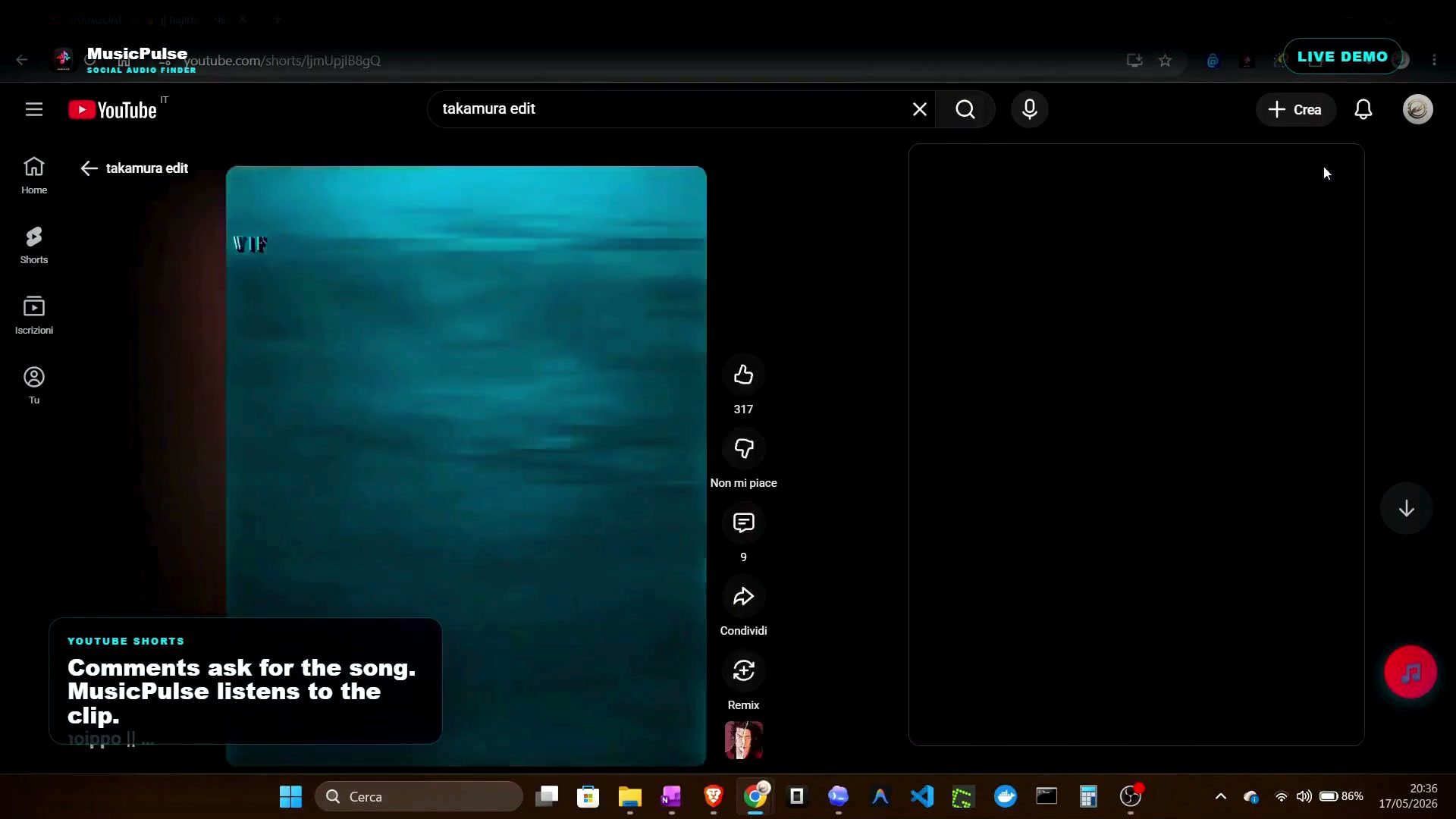
Need it fast? Watch the 46-second demo of MusicPulse identifying an edit in a real clip.
Most clips that go viral do not use the official release: they use a chopped edit, a slowed or sped-up version, a mashup, or an underground remix uploaded to SoundCloud a week earlier. Identifying those requires a different workflow, because the version is not in the official catalog. This guide covers the practical paths, from manual to automated.
1. Follow the sound page
On TikTok, tap the spinning disc at the bottom of the video. The sound page shows the sound name, creator, and the videos using it. Variants created inside TikTok (sped-up, slowed, remixed) often appear there as related versions, and the original upload links straight to its source account — frequently a SoundCloud or YouTube Music upload you can replay directly.
2. Read the comments and the description
For every significant "what's this song" moment there is a thread of answers. Look for:
- Direct mentions of the remix creator's handle.
- SoundCloud or YouTube Music links in replies — underground edits are hosted there rather than in catalogs.
- Timestamps like "0:14 this exact part" that pin the variant.
The description space on Shorts behaves the same way: creators name their sources or point to the original upload.
3. Match on the hook, not the whole song
Edits usually keep a small recognizable unit — a chorus hook, a vocal sample, a beat drop — and rebuild everything around it. Search engines and recognition tools are far more successful with a 5-second hook than with the whole edited track. Extract the hook and fingerprint it alone against the original artist's catalog to identify the underlying track, then search "underlying track remix version" to find the edit.
4. Let the clip itself be the source
Manual mining works, but it is slow. The direct approach is to recognize the clip's own audio, including its edits, and use the context around it as corroboration:
- Listen first — the recognizer fingerprints the clip's audio as it plays.
- Cross-check the social trail — lyrics, hooks, and YouTube comments are matched against candidate versions.
- Return usable links — the result points to the version people can actually replay, including SoundCloud uploads.
This combined method is how MusicPulse approaches Shorts, TikTok, and Reels: one Chrome extension, three platforms, a hybrid engine with a Deep Scan fallback that separates the music track when the clip is heavily altered.
5. When the edit resists everything
- Try audio source separation workflows or apps that isolate the music from the vocal layer before recognition.
- Search the original track's SoundCloud upload history — fans track edits and re-uploads as playlists.
- Post the clip fragment on a music-identification community; engaged listeners usually map it within hours.
Rule of thumb: the more edited the audio, the less the official catalog matters — and the more the social trail matters.